
Structured Data for Small Business Websites: What Schema Markup Does and Doesn’t Do
Structured data will not make you rank higher on its own. What Google says it does, what LocalBusiness markup contains, why FAQ markup stopped working and how to add it safely.

zabil

“Schema markup” is one of those phrases that appears in agency proposals, plugin settings screens and SEO audits, usually with the promise that it will help you rank. The reality is more modest and, for a small business, still worth doing properly. This guide covers what Google’s documentation says it is for, what LocalBusiness markup contains, what changed in 2026 and how to add it safely.
What structured data is
Google defines structured data as “a standardized format for providing information about a page and classifying the page content”. In practice it is a block of code in the page’s source that labels facts a visitor can already read: the business name, address, opening hours and phone number.
Google supports three formats: JSON-LD, Microdata and RDFa. It recommends JSON-LD, which is a self-contained block that does not have to be woven through your page layout.
What it can and cannot do for you
Google says markup can make a page eligible for rich results, which are search listings with extra details, and that Google uses the data to understand a page’s content.
Three limits are worth knowing:
- Nothing is guaranteed. Google’s guidelines say it “does not guarantee that your structured data will show up in search results, even if your page is marked up correctly according to the Rich Results Test”. They explain that markup “enables a feature to be present, it does not guarantee that it will be present”.
- The headline results come from large sites. The case studies in Google’s introduction feature brands such as Rotten Tomatoes, the Food Network and Nestlé. They are not a forecast for a ten-page business website.
- It is not a shortcut around the basics. In the pages we read, Google describes the benefit as understanding and rich-result eligibility. It does not present markup as a way to climb the rankings. If your pages are not indexed, are thin or are slow, markup will not fix that. Start with why a website may not be showing on Google.
LocalBusiness markup: what goes in it
For a business with a location or a service area, the relevant type is LocalBusiness. Google’s documentation says that with this markup you can tell Google about details such as business hours, and it notes that Search results may show a knowledge panel with information about a business.
The markup has two required properties:
- name, the name of the business
- address, a full postal address, where Google says to include as many properties as possible
Google also lists recommended properties that are useful for a small business:
- telephone, which should be the primary contact number for customers, including the country code and area code
- url, the working address of that specific business location
- openingHoursSpecification, the days and hours you are open, including seasonal closures
- priceRange, a short text such as a number of currency signs, which must stay under 100 characters
Two more rules matter. First, use the most specific type available: Google gives Restaurant, DaySpa and HealthClub as examples of sub-types, and you can list several types if your business fits more than one. Second, LocalBusiness is a subtype of Organization, so Google recommends following the Organization fields as well. You can add the markup to any page, though Google says it may make more sense on a page that contains information about your business, such as the home or contact page.
One field to leave alone: Google says the review and aggregateRating properties are “only recommended for sites that capture reviews about other local businesses”. A business marking up its own star rating is not what that documentation is describing.
The rules that keep you out of trouble
Google’s general guidelines are plain, and the same few points cause most problems:
- “Don’t mark up content that is not visible to readers of the page.” If the markup says you open until 22:00, the page should say so too.
- “Don’t mark up irrelevant or misleading content, such as fake reviews or content unrelated to the focus of a page.”
- “Provide up-to-date information.” Old opening hours or a former phone number do harm.
- Do not block the page with robots.txt or a noindex tag, because Google then cannot read the markup.
Breaking these rules can lead to a manual action. Google says that means the page loses eligibility for rich results, and that it does not affect how the page ranks in web search.
FAQ markup no longer works
Many older guides and plugins recommend adding FAQ schema to every service page. Google’s documentation history says the FAQ rich result stopped appearing in Google Search on 7 May 2026, and the documentation for it has since been removed. If a plugin or an audit still tells you FAQ markup will give you a rich result, that advice is out of date. Keep the helpful answers on the page, but do not count on markup to show them off.
Does structured data help in AI search?
This is where the claims get loud. Google’s guide to generative AI features in Search answers directly. It says structured data “isn’t required for generative AI search, and there’s no special schema.org markup you need to add”. It adds that it is still “a good idea to continue using it as part of your overall SEO strategy”, because it helps with being eligible for rich results.
So the honest position is that markup is good housekeeping, not an AI switch. We take the same view in our guide to getting recommended by AI search, and in our note on the Komodoplex partnership, where machine-readable pages come up as part of a wider technical foundation.
How to add it to a WordPress site
Google’s introduction notes that if you use a CMS such as WordPress, “your CMS may have a search engine settings page, or you may be able to install a plugin that allows you to specify structured data”. For most small sites that is the sensible route, rather than hand-editing theme files. The steps:
- Decide which page carries the markup, usually the home or contact page.
- Pick the most specific business type and fill in name, address, phone, URL and hours exactly as they appear on the page.
- Check the page with the Rich Results Test, and fix any critical errors it flags.
- Use the URL Inspection tool in Search Console to see how Google reads the live page, then ask for a recrawl. Google notes it can take several days.
- Keep the details in step with your Google Business Profile, and update the markup whenever your hours or phone number change.
New to Search Console? Start with our beginner’s guide. The Rich Results Test has limits: Google itself lists markup “incorrect in a way that the Rich Results Test was not able to catch” among the reasons a feature may not appear.
A sensible order of priorities
With limited time, put structured data after the foundations: indexed pages, clear titles, accurate contact details, a complete Business Profile and fast loading. Then add LocalBusiness markup once, correctly, and update it only when something changes.
If you would like us to look at what your site currently exposes to Google, our SEO service starts with an audit, and technical changes can be scoped through Systems & Technology. You can also tell us about your business and we will say what we would check first.
Related work
Where this has been applied.
Professional Services
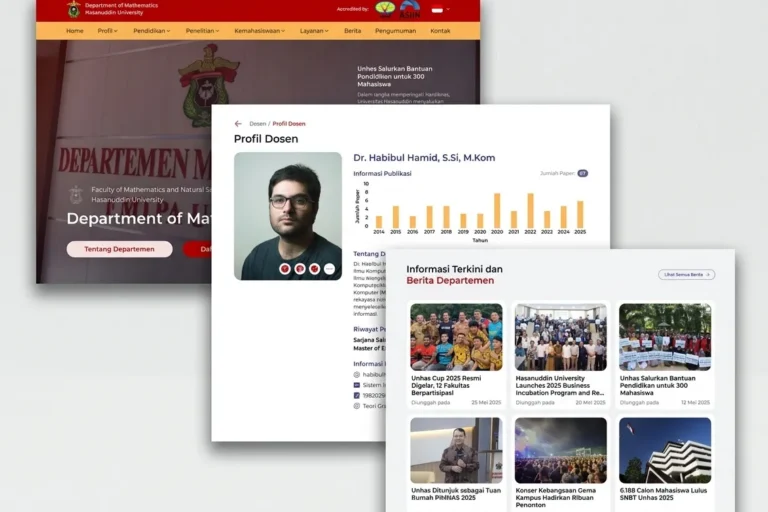
Departemen MIPA UNHAS
Universitas Hasanuddin
An official departmental website presenting academic information, news and activities, built so staff can maintain it without technical help.
Professional Services
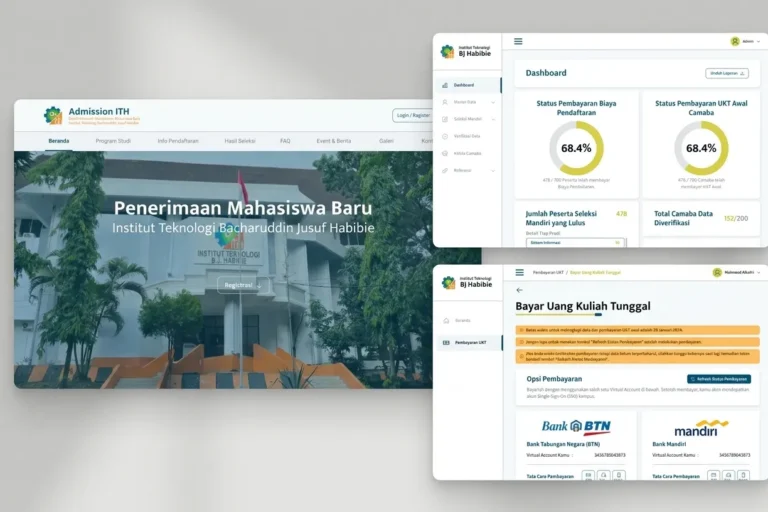
Admission ITH
Institut Teknologi BJ Habibie
A student admissions platform handling the full registration process online, from application through document upload to initial payment.
Local & Growing Businesses
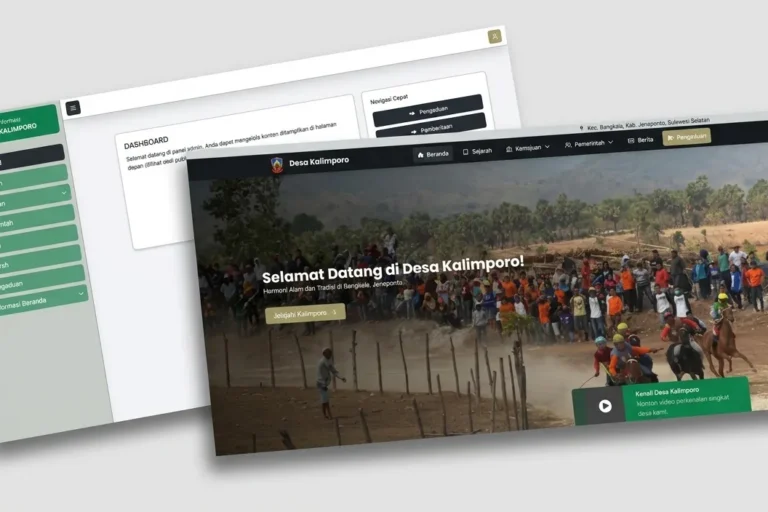
Desa Kalimporo
Desa Kalimporo
A village profile platform presenting governance structure, population data, local potential and village programmes to a wider audience.
Keep reading
Related articles.

SEO
Image SEO for Small Business Websites: Alt Text, File Names and Size
How to make a small business website's images easier for Google to find and for visitors to load: descriptive file names, useful alt text,…

SEO
Keyword Research for Small Business: A Step-by-Step Method
A step-by-step keyword research method for small businesses using Google's own tools: Search Console, autocomplete, Google Trends and Keyword Planner, with advice on reading…

SEO
AEO, GEO and llms.txt: What Google Says a Small Business Needs
What Google's own guidance says about AEO, GEO and llms.txt for AI Overviews and AI Mode, what a small business can ignore, what to…