
How to Track Website Enquiries in GA4: Forms, WhatsApp and Calls
A plain-English guide to counting enquiries in Google Analytics 4: form submissions, WhatsApp clicks and phone taps, based on Google's own help pages.

zabil

Most small business websites can tell you how many people visited last month. Far fewer can tell you how many of those visitors actually asked for something. Visits are not the goal. Enquiries are, and Google Analytics 4 (GA4) can count them for free, but only if you tell it what counts.
This guide covers the three enquiry types most small businesses care about: form submissions, WhatsApp clicks and phone taps. It follows Google’s own Analytics Help and Tag Manager Help pages, and it says which steps need no code and which need a little help from a developer.
Decide what counts as an enquiry first
Before you open GA4, write down the actions that mean a real person wants to talk to you:
- A contact or booking form is submitted.
- A WhatsApp button is clicked.
- A phone number is tapped on a mobile.
- An email link is clicked.
Keep these as separate numbers where you can. A WhatsApp click shows intent to chat, but it does not prove a message was sent, while a submitted form is a stronger signal. Mixing them into one total hides which one works. That is our own advice, not a Google rule.
Key events in plain English
GA4 records everything as an event: a page view, a scroll, a click. Google defines a key event as an event that measures an action that is particularly important to the success of your business. Once you mark an event as a key event, GA4 reports on it separately and shows which channels led people to do it.
Three details from Google’s help pages:
- You mark an event in Admin, under Data display, then Events. Click the star icon next to an existing event, or create a new one and switch on “Mark as key event”.
- Marking affects reports from that moment on. It does not change historic data, and it can take up to 24 hours to show in standard reports.
- If you cannot see the buttons, you do not have a high enough role on the property. Ask whoever administers it.
For form submissions, Google recommends an event called generate_lead, which fires when a user submits a form or a request for information. Google’s advice is to use a recommended event like this instead of inventing your own name. Recommended events are not sent automatically, so you have to set them up.
Method 1: the thank-you page (simplest for forms)
If your form sends people to a confirmation page after they submit, you can count visits to that page. Google’s own tutorial uses this example:
- In GA4, go to Admin, then Events, then Create event.
- Name the event
generate_leadand choose to create it without code. - Set the matching condition to the
page_viewevent on your thank-you page address. - Switch on “Mark as key event” and save.
Google says it can take from a few minutes to a few hours to apply. To test it, submit your own form, then check the Realtime report’s key events card for generate_lead. New events do not apply to historical data, so the earlier you start, the more history you have.
This needs a dedicated page such as /thank-you/. If your form only shows a message on the same page, ask your developer to add a confirmation page, and to keep it out of search results so strangers do not land on it and inflate your count.
Method 2: what GA4 already records
GA4 has “enhanced measurement” events that can be switched on without code changes, under Admin, then Data streams, then your website stream. Two matter here:
- Form interactions:
form_startandform_submit, recorded when someone first interacts with a form and when they submit it. - Outbound clicks: a
clickevent each time someone clicks a link that leads away from your domain, with the destination stored aslink_domainandlink_url.
A normal WhatsApp link leads away from your site, so it should already show up as an outbound click. Check the Events report for click events. If the button is a script rather than a real link, it may not be recorded, and you need the Tag Manager route below.
Raw clicks to every outside site are too noisy to mark as a key event, so create a narrower one. Google lets you generate a new event from an existing one using matching conditions: for example, copy click into whatsapp_click when the link URL contains wa.me. Google warns that new events can take an hour or more to start working.
A caution on forms: how a form is built affects what gets recorded, so always submit a real test enquiry and watch Realtime rather than assuming it works.
Method 3: phone and email taps with Tag Manager
Phone links (tel:) are not in Google’s list of enhanced measurement events, so GA4 does not record them by itself. The usual fix is Google Tag Manager, which sends events to GA4 without changing your page code.
Google’s guide describes the pattern: create a GA4 Event tag with your measurement ID and an event name, then create a trigger that says when to send it. For links, use the “Just Links” trigger type, which tracks clicks on HTML links, set to fire on “Some Clicks” with a condition such as Click URL contains tel:. Name the event something clear, like phone_click, and repeat with mailto: for email links.
Before publishing, use Tag Manager’s Preview mode to check the tag fires when you tap the link. If this feels like too much, it is a short job for a developer.
Keep personal data out of GA4
Google’s policies say you must not send it data that it could recognise as personally identifiable information, including email addresses and personal mobile numbers. In practice:
- Never put a customer’s name, email or phone number into an event name or parameter.
- Check that your thank-you page address does not carry details such as
?email=. - GA4 has a data redaction setting that removes email addresses from URLs on a best-effort basis. Google adds that laws vary, so consult an attorney if you are unsure what counts.
Reading the numbers sensibly
Once generate_lead is flowing, it also feeds GA4’s Lead acquisition report, which is another reason to use that name. If you run ads, Google says key events can be used to create Google Ads conversions, although this may not be available to every property. Our guide to choosing between Google Ads and Meta Ads explains why that matters before you spend.
Do one sanity check each month. Compare GA4’s count with the enquiries actually in your inbox and WhatsApp. They will not match exactly, since some people block tracking, but a huge gap means something is broken. If you have visitors but few enquiries, the cause is often the page itself, which we cover in why your website gets visitors but no enquiries. To see which searches bring people in, pair GA4 with our Google Search Console beginner’s guide.
Where to start
If you do only one thing this week, set up the thank-you page event. It takes minutes and gives you a number you can trust more than “visitors”. Then submit a test enquiry, check Realtime, and compare against your real enquiries at the end of the month.
Tracking is part of how we set up SEO and systems and technology work for small businesses from our Bali and Makassar base. If you would rather not wire this up yourself, tell us about your business and we will suggest where to start.
Related work
Where this has been applied.
Professional Services
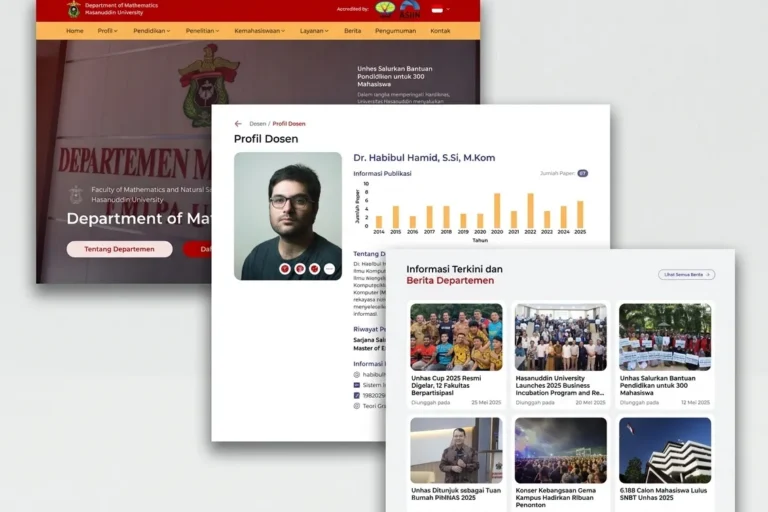
Departemen MIPA UNHAS
Universitas Hasanuddin
An official departmental website presenting academic information, news and activities, built so staff can maintain it without technical help.
Professional Services
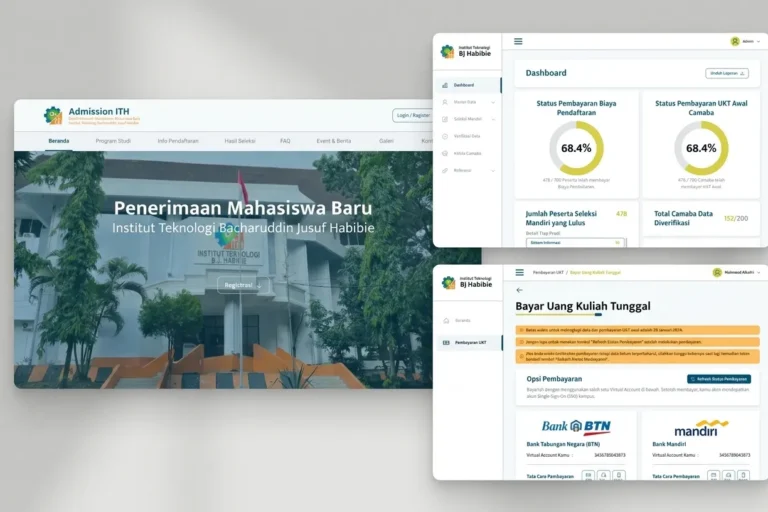
Admission ITH
Institut Teknologi BJ Habibie
A student admissions platform handling the full registration process online, from application through document upload to initial payment.
Local & Growing Businesses
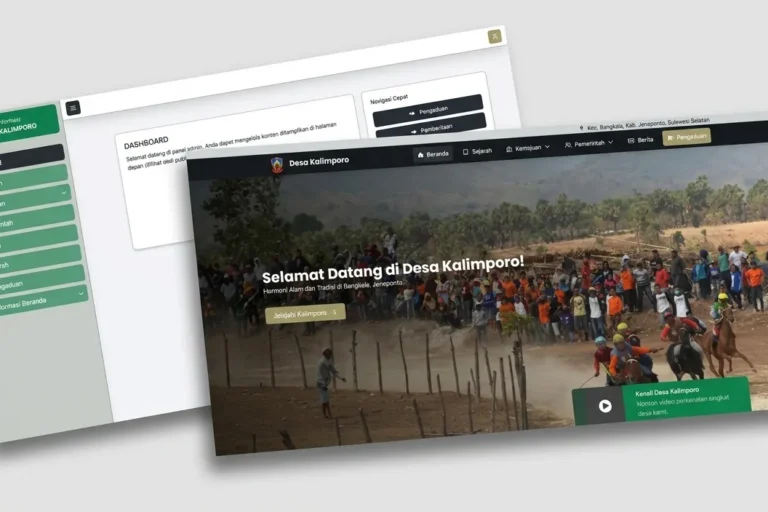
Desa Kalimporo
Desa Kalimporo
A village profile platform presenting governance structure, population data, local potential and village programmes to a wider audience.
Keep reading
Related articles.
SEO
Google Search Console for Small Businesses: A Beginner’s Guide
Google Search Console is free and shows how your site performs in search. How to set it up, what to check first, and a…

SEO
How Long Does SEO Take? A Realistic Timeline for Small Businesses
SEO rarely works in weeks and never on a guaranteed date. A realistic timeline for a small business, what speeds it up or slows…

SEO
Google Business Profile: A Practical Guide to Showing Up in Local Search
A step-by-step guide to claiming, completing and maintaining your Google Business Profile so more local customers find you, call you and visit you.