
Is WordPress Slow? The Honest Answer for Business Owners
WordPress itself is not slow, but many WordPress sites are. Here is what really slows a site down and how to tell which problem you have.

zabil

If you searched “is WordPress slow”, you have probably just opened your own website, waited longer than you liked, and started wondering whether the platform is to blame. It is a fair question, and the honest answer has two parts: WordPress itself is not slow, but a great many WordPress sites are. Knowing which of the two you are dealing with decides whether the fix is small and cheap or something bigger.
WordPress is not a niche tool. W3Techs estimates that it runs roughly four in ten of all websites, including news publishers and online shops that handle very heavy traffic. If the software were the bottleneck, none of those sites would work. What changes from one site to the next is everything wrapped around it.
What WordPress actually does when someone visits your site
WordPress builds pages on demand. When a visitor asks for a page, the server runs PHP code, asks the database for the content, assembles the HTML and sends it back. That takes a little work every time, which is why an uncached WordPress page on weak hosting can feel sluggish. It is also why caching, which stores a finished copy of the page and serves that instead, makes such a large difference.
WordPress itself has been getting better at speed too. Images are lazy-loaded by default, and version 6.8 added speculative loading, which lets a browser start fetching the next page a visitor is likely to open. Those improvements help, but they cannot rescue a site that is weighed down by the choices below.
Why so many WordPress sites are slow
A WordPress site is really a stack of separate decisions: a host, a theme, a set of plugins, the images somebody uploaded and a handful of third-party scripts. Each one was chosen by a different person at a different time, and nobody was looking after the total. These are the causes we see most often.
- Hosting that is too small for the site. Cheap shared plans put many sites on one server. If the server is slow to respond, everything that follows is late as well.
- Heavy themes and page builders. Some themes ship large amounts of CSS and JavaScript for features you never use, and layers of page-builder markup make each page bigger than it needs to be.
- Plugins that load on every page. The number of plugins matters less than what each one loads and where. A contact form plugin should not load its scripts on your blog posts.
- Oversized images. A photo straight from a phone can be many times larger than the space it is displayed in.
- No caching. Without it, the server rebuilds every page for every visitor.
- Third-party scripts. Chat widgets, tracking tags, embedded maps and videos each add requests that your site does not control.
- Neglected maintenance. Old PHP versions, outdated plugins and a database that has collected years of leftovers all add drag.
We walk through these in a sensible order, with a check for each, in our guide to why a WordPress site loads slowly and what to check first.
Is WordPress slower than Wix, Squarespace or a custom site?
Not necessarily, but the trade-off is different. Hosted builders such as Wix and Squarespace control the whole stack, so a basic site tends to perform predictably, and you have little room to make it better or worse. WordPress gives you the freedom to build almost anything, which also means the freedom to build something heavy. A hand-coded or static site can be faster still, but it usually costs more to build and is harder for a non-developer to edit.
For most businesses that need to publish and update regularly, a well-built WordPress site is a sensible middle ground: fast enough, flexible, and fully yours to own. The word that matters is “well-built”.
How to tell whether it is WordPress or your setup
Three quick checks help separate the two.
- Is the server slow to respond? Run your page through a speed test and look at the time to first byte (TTFB). A slow first byte points to hosting, caching or the database, not to images or design.
- Are the pages heavy? If the total page size is several megabytes, the problem is usually images and scripts rather than the server.
- Is it slow everywhere, or on one page? One slow page usually has a specific culprit, such as an embedded video or a large slider. A site that is slow everywhere points to hosting or the theme.
Our guide to testing a slow WordPress site and reading the results walks through the free tools and what each number means.
What “fast enough” actually means
You do not need a perfect score. You need to pass the thresholds Google publishes for real visitors. The three Core Web Vitals are:
- Largest Contentful Paint (LCP): the main content should appear within 2.5 seconds.
- Interaction to Next Paint (INP): the page should respond to taps and clicks within 200 milliseconds.
- Cumulative Layout Shift (CLS): the layout should stay stable, with a score of 0.1 or less.
These are judged on the 75th percentile of real visits, so a fast result on your office computer does not count if most of your visitors are on a mid-range phone with a slow connection.
So, should you keep WordPress?
For most business sites, yes. If the cause is hosting, images or a few misbehaving plugins, that is a fix rather than a replacement. If the theme or the way the site was built is the ceiling, the question becomes whether to rebuild, and we cover how to decide in slow WordPress site: should you fix it or rebuild it?
If you would rather have someone look at it for you, that is part of our systems and technology work. Get in touch and we will tell you honestly whether it is a small fix or a bigger job.
Ditandai
Layanan terkait
Karya terkait
Di mana ini telah diterapkan.
Jasa Profesional
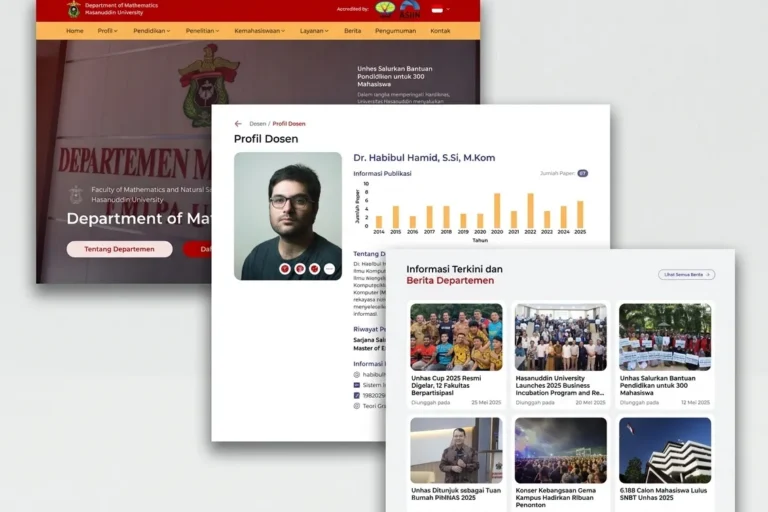
Departemen MIPA UNHAS
Universitas Hasanuddin
Website resmi departemen yang menyajikan informasi akademik, berita, dan kegiatan, dibangun agar staf dapat mengelolanya sendiri tanpa bantuan teknis.
Jasa Profesional
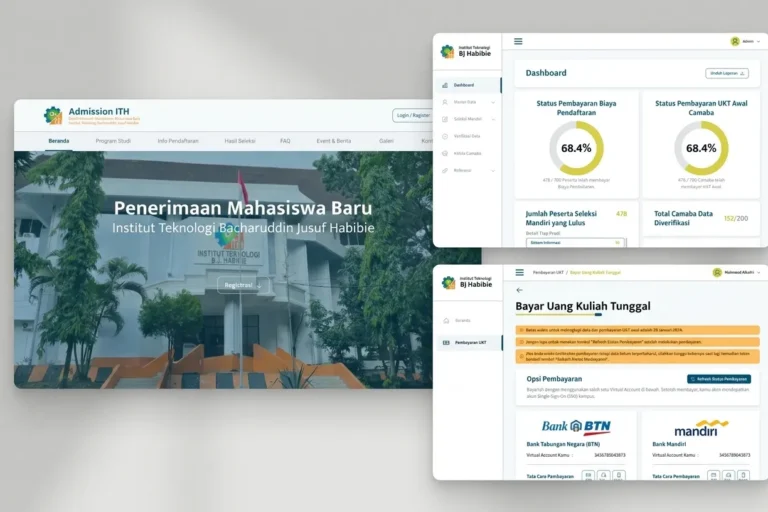
Admission ITH
Institut Teknologi BJ Habibie
Platform pendaftaran mahasiswa baru yang menangani seluruh proses pendaftaran secara online, mulai dari pengisian formulir, unggah dokumen, hingga pembayaran awal.
Local & Growing Businesses
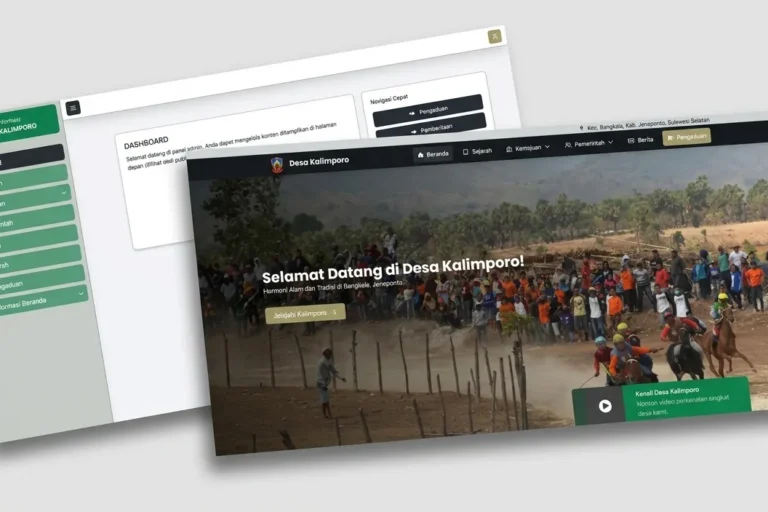
Desa Kalimporo
Desa Kalimporo
Platform profil desa yang menyajikan struktur pemerintahan, data kependudukan, potensi lokal, dan program desa kepada khalayak yang lebih luas.
Baca lebih lanjut
Artikel terkait.
Web Development
Who Owns Your Website? A Domain, Hosting and Login Checklist
Your domain, hosting, admin logins and Google accounts can each belong to a different person. A practical checklist so you know who holds the…

Web Development
Does Your Bali Business Need a Multilingual Website?
Should a Bali business website speak more than one language? How to decide from your own enquiries, and how to set it up so…
Web Development
WordPress Security for Small Businesses: A Plain-English Checklist
A plain-English WordPress security checklist for business owners: updates, plugins, passwords, backups, and what to ask your developer and host.