
How to Redesign a Website Without Losing Your SEO
A redesign can cost you the Google traffic you have earned. A practical plan: URL list, 301 redirects, staging checks and a launch-day checklist.

zabil

A redesign is often the best thing you can do for a tired website. It is also one of the easiest ways to lose the Google traffic you have already earned. Pages vanish, addresses change, and a setting meant to keep the test site out of search follows the site to launch day. Most of these problems are avoidable, and most happen at launch rather than in the design.
This guide is based on Google Search Central’s documentation on site moves and redirects, plus WordPress’s own documentation. It cannot promise your rankings will not move. Google itself says to expect temporary fluctuation after a significant change. What it can do is stop you from causing avoidable damage.
First, work out which kind of change you are making
The risk depends on whether your page addresses (URLs) change.
- Same URLs, new design. If every page keeps its address, for example
/services/seo/stays/services/seo/, you avoid the hardest part of a migration, which is redirects. If you are also changing hosting, Google’s guide to changing your hosting covers that case where URLs stay put: test a copy, check Googlebot can reach it, switch over, then monitor. - URLs change. A new domain, a new URL structure, or pages merged and removed. Google calls this a site move with URL changes, and it is where rankings are most often lost.
Google also advises changing one thing at a time. Its own example: if you want a new domain, a new content management system and a new layout, do them one after another, not together. For a small business, that usually means not combining a redesign with a domain change.
Step 1: Record what you have
Before anyone touches the site, list every URL. Google suggests starting with your sitemaps, your analytics for the pages with the most traffic, and Search Console’s links feature for pages that other websites link to. Your CMS can also export a list of pages. Include images and downloads such as PDFs, because those can bring traffic too.
Mark the pages that bring enquiries and the ones that rank. Save their titles and headings as well. Our Search Console guide shows where to find the numbers.
Step 2: Keep URLs the same wherever you can
This is our advice, not a Google rule: the easiest redirect is the one you never need. If /about/ is fine, leave it as /about/. Change an address only when you have a reason, such as merging two thin pages into one stronger page.
Step 3: Map every old URL to a new one
Where an address must change, write an old-to-new map and set up server-side permanent redirects. Google recommends HTTP 301 or 308, and says that permanent redirects do not cause a loss of PageRank. The type matters: Google treats a permanent redirect as a signal that the new page should show in search results, while a temporary redirect such as 302 keeps the old page there. A rule of thumb from Google’s pages:
- Redirect each page to its closest match, not to the homepage. Google warns that sending many old URLs to one irrelevant page can confuse people and may be treated as a soft 404.
- Merging is fine. If several old pages become one new page, redirecting them to it is acceptable.
- Avoid chains. Googlebot can follow up to 10 hops, but Google advises redirecting straight to the final page, and keeping any chain ideally to no more than 3.
- Let deleted pages return 404 or 410 when nothing replaces them.
- Keep redirects for as long as possible, generally at least a year.
On WordPress, redirects usually come from a plugin or from server rules such as .htaccess on Apache. Ask your developer which, and ask to see the map before launch.
Step 4: Keep the test site out of Google, then let the real one in
Google suggests testing on an IP-restricted environment, or on a temporary address with a noindex rule so it is not indexed by accident. That is sensible, and it is also the classic trap. The block moves with the site on launch day and nobody removes it.
In WordPress, the Reading settings have a box labelled “Discourage search engines from indexing this site”. WordPress’s documentation says that when it is ticked, a noindex,nofollow tag is added to your pages, and that it is up to search engines to honour it. Google’s migration page lists leftover noindex and robots.txt blocks among the common mistakes that stop a new site being indexed.
Step 5: Launch-day checklist
- Redirects are live. Test a sample of old URLs, including your top pages. Google mentions the URL Inspection tool for single pages and command-line tools or scripts for many.
- No leftover blocks. The “Discourage search engines” box is clear, there is no
noindex, androbots.txtallows crawling. - Canonical tags are right. Each new page should point to itself as the canonical version.
- Internal links use the new URLs, not old ones that now redirect.
- A new sitemap is submitted in Search Console, and your Search Console verification still works. Google warns that a verification file or tag can be lost when a site is rebuilt.
- Tracking and forms work. Check analytics, the contact form, WhatsApp buttons and phone links. Our guide to tracking enquiries in GA4 helps.
- Choose a quiet time. Google suggests moving during lower traffic if you can.
If you change your domain name, Google also asks you to submit a Change of Address in Search Console. You do not need it for an HTTP to HTTPS move, a www change, or a move of paths within the same domain.
Step 6: Watch the first month
Google says that for medium-sized sites it can take a few weeks or more for the new URLs to replace the old ones in search, and that visibility may fluctuate meanwhile. Check Search Console for new errors and unexpected “Not found” pages, compare traffic and enquiries with your baseline, and fix broken redirects quickly. If an important page drops and stays down, check the basics first: its redirect, a stray noindex, its canonical tag and whether its content changed.
Is a redesign the right move?
Sometimes it is not. If the real problem is speed, fixing the site can be cheaper than replacing it, and our guide on a slow WordPress site: fix or rebuild helps you decide. If you do rebuild, read what to expect from a website rebuild first.
Questions to ask your developer
- Will every current URL keep working, either unchanged or redirected?
- Can I see the redirect map before launch?
- Who removes the
noindexsetting, and who checks it afterwards? - Who holds the logins for the domain, hosting and Search Console? Our ownership checklist explains why this matters.
Where to start
If a redesign is on the horizon, export your list of URLs and your top pages today, before anyone starts work. It takes an hour and protects what you have built.
SodraTech builds and rebuilds websites for small businesses, with SEO handled as part of the plan rather than afterwards. If you are weighing a redesign and want to know what it could do to your rankings, tell us about your business and we will walk you through it.
Related work
Where this has been applied.
Tourism & Hospitality
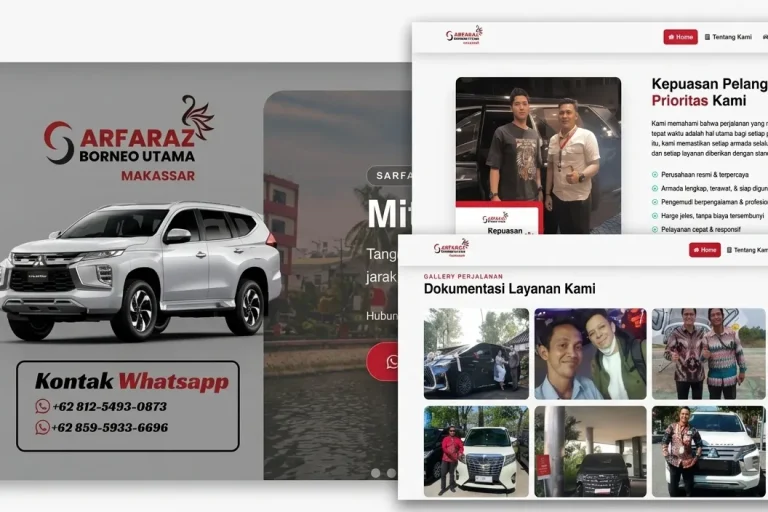
Sarfaraz Rent Car Makassar
Sarfaraz Rental Mobil Makassar
A car rental company website presenting the fleet, rates and rental terms, with contact details customers can reach easily from any device.
Professional Services
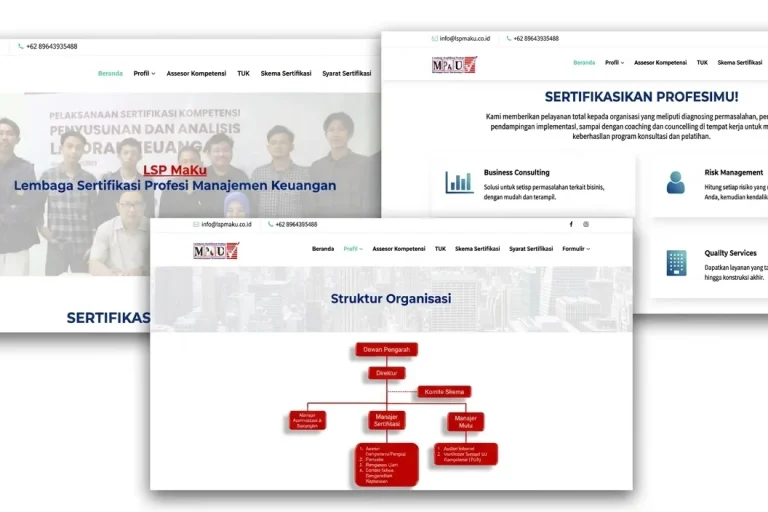
LSP MaKu
LSP MaKu
A professional certification body website covering certification schemes, schedules and participant guidance.
Professional Services
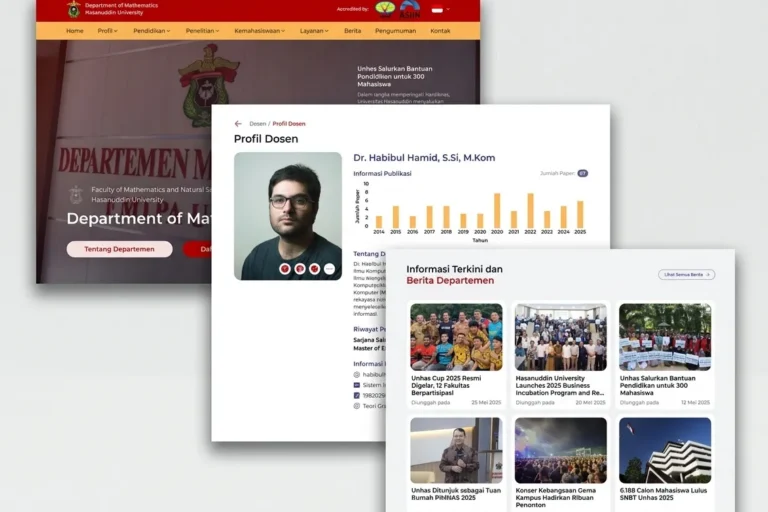
Departemen MIPA UNHAS
Universitas Hasanuddin
An official departmental website presenting academic information, news and activities, built so staff can maintain it without technical help.
Keep reading
Related articles.

SEO
Image SEO for Small Business Websites: Alt Text, File Names and Size
How to make a small business website's images easier for Google to find and for visitors to load: descriptive file names, useful alt text,…

SEO
Keyword Research for Small Business: A Step-by-Step Method
A step-by-step keyword research method for small businesses using Google's own tools: Search Console, autocomplete, Google Trends and Keyword Planner, with advice on reading…

SEO
AEO, GEO and llms.txt: What Google Says a Small Business Needs
What Google's own guidance says about AEO, GEO and llms.txt for AI Overviews and AI Mode, what a small business can ignore, what to…