
Contact Form Emails Not Arriving? Why WordPress Emails Go Missing and How to Fix It
A form that says thanks while no email arrives quietly loses enquiries. Why WordPress form emails go missing, how to test yours and what to fix first.

zabil

A contact form that says “Thanks, we’ll be in touch” while no email ever reaches you is one of the quietest ways to lose business. The visitor thinks you ignored them. You think nobody enquired. Neither side finds out.
If your site gets visitors but few enquiries, rule this out before blaming your marketing. Our guide to why a website gets visitors but no enquiries lists the other common causes. This post covers the email side: why WordPress form emails go missing, how to test yours in ten minutes, and what to fix first.
How WordPress actually sends email
WordPress does not send email itself. Its own developer documentation explains that WordPress “is not involved in the process of sending emails but only in the process of formatting the message to submit it to this mailing API”.
By default, the documentation says, the wrapper tells the PHPMailer library to use PHP’s internal mail() function, a function that “requires the presence of a sendmail-compatible binary acting as the MTA”. In plain English: WordPress hands your message to the hosting server, and the server’s mail setup does the rest. Whether it arrives depends on that setup and on whether the receiving inbox trusts the message.
On managed hosting, the documentation says there is typically nothing extra needed to send emails, but “some additional actions to ensure deliverability” may be required. Those extra actions are where most problems live.
Cause 1: the email is sent but lands in spam or is rejected
This is the most common cause. Google’s email sender guidelines say that since 1 February 2024 everyone who sends email to personal Gmail accounts (addresses ending @gmail.com or @googlemail.com) must set up SPF or DKIM. Google recommends you “always set up SPF, DKIM, and DMARC”, and says messages that aren’t authenticated “might be marked as spam or rejected with a 5.7.26 error”.
In plain terms:
- SPF is a DNS record listing the servers allowed to send email for your domain. Google puts it simply: SPF says your server sent the email.
- DKIM is a digital signature added to the message. Google says DKIM says you wrote the email.
- DMARC is a record telling receiving servers what to do with messages that fail SPF or DKIM. Google recommends starting with the policy set to
none, then tightening it over time.
WordPress’s documentation calls setting up SPF, DKIM and DMARC “a critical step to ensure deliverability”. This matters even if you only read enquiries in your own Gmail inbox, because the website is the sender and Gmail judges the sender.
Cause 2: the From address is wrong
By default WordPress fills in the From field with wordpress@yourdomain and the name “WordPress”. The documentation says this is fine as long as it is a valid address, and recommends making sure the mailbox exists.
Trouble starts when the From address belongs to a different domain than the one sending. Some form setups put the visitor’s email address in the From field so you can hit reply. To a receiving server that looks like your website sending as someone else’s domain. Google’s guidelines say not to “impersonate other domains or senders without permission”, call this spoofing, and warn Gmail might mark such messages as spam. For DMARC to pass, Google says the authenticating domain must be the same domain that appears in the From header.
The safer pattern: send from an address on your own domain, and put the visitor’s address in the Reply-To field. The WordPress documentation notes that Reply-To defaults to the From address unless you set it explicitly.
Cause 3: mail is sent from the web server instead of a mail service
The documentation describes setting up an SMTP relay through a third-party mailing service as the recommended method if you are not handling a high volume of emails and do not want to deal with the complexity of deliverability yourself. SMTP plugins do the same job: they override the default mail settings so mail is sent through a remote mailing service on behalf of your domain.
It also suggests asking your host whether it offers an SMTP relay option in its admin panel. That is a good first question to put to your hosting support.
Cause 4: the problem is on your side of the inbox
Check the boring things too: a mistyped recipient address in the form settings, a full mailbox, a filter rule that archives the notification, or the spam folder. Gmail users should search All Mail, not just the inbox.
Cause 5: the form itself failed
A form can show a success message while something behind it has broken, for example spam protection blocking genuine submissions after a plugin update. If your form only emails and never saves entries, a failure leaves no trace at all. Choose a setup that stores every entry in WordPress as well as emailing it, so nothing is ever lost silently.
How to test in ten minutes
- Submit your live form yourself, using an email address at a different provider from the one that receives your enquiries.
- Wait a few minutes, then check the inbox, the spam folder and All Mail.
- If it arrives, open it in Gmail, choose More then Show original, and look at the header. Google’s help page explains how to view and analyse a full header, and WordPress’s documentation says the header shows whether the receiving server verified your SPF and DKIM.
- If it does not arrive, look at the form’s saved entries (if it keeps any), then ask your host whether mail is being sent from the server and whether SPF and DKIM are set up for your domain.
- Repeat the test monthly and after any plugin, theme or hosting change.
Fix in this order
- Send from an address on your own domain, with the visitor’s address as Reply-To.
- Make sure SPF, DKIM and DMARC exist for your domain, starting DMARC at
none. - Route mail through a proper SMTP service or your host’s relay.
- Save every entry in WordPress, and offer a second route such as a WhatsApp button, then track enquiries in GA4 so you can see how many people try.
A word of caution: DNS records control both your website and your email, and a wrong edit can break either. Whoever holds your domain logins should make the change, so check who owns your domain, hosting and logins first. Contact forms also collect personal data, which matters under Indonesia’s new rules; see our post on the PDP Law and your website.
If your enquiries are going missing and you want a second pair of eyes, tell us about your business. Fixing form delivery is part of our systems and technology work.
Related services
Related work
Where this has been applied.
Professional Services
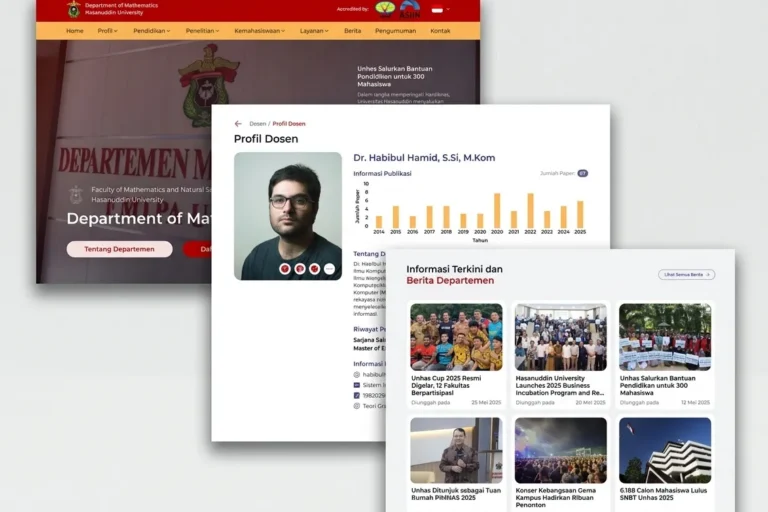
Departemen MIPA UNHAS
Universitas Hasanuddin
An official departmental website presenting academic information, news and activities, built so staff can maintain it without technical help.
Professional Services
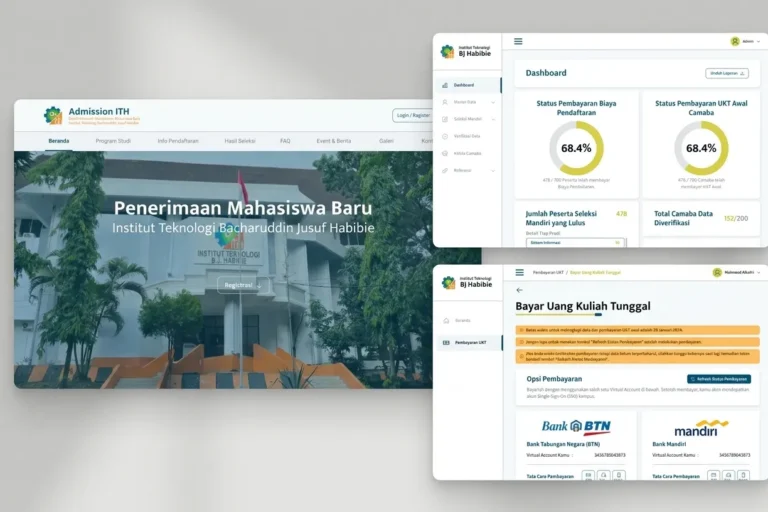
Admission ITH
Institut Teknologi BJ Habibie
A student admissions platform handling the full registration process online, from application through document upload to initial payment.
Local & Growing Businesses
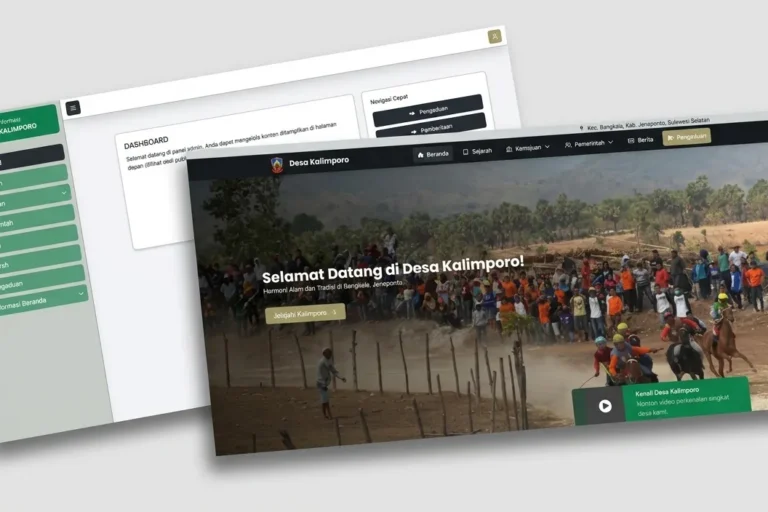
Desa Kalimporo
Desa Kalimporo
A village profile platform presenting governance structure, population data, local potential and village programmes to a wider audience.
Keep reading
Related articles.

Web Development
Google Tag Manager for Small Business: Do You Need It, and How to Use It Safely
What Google Tag Manager does, whether a small business needs it or can use the Google tag alone, how to install and test it,…

Web Development
Your Connection Is Not Private: What It Means for Your Website and How to Fix It
What the 'Your connection is not private' warning means for a business website, how to tell a visitor-side error from a site fault, how…

Web Development
Booking System for Your Business: Off-the-Shelf, Plugin or Custom-Built?
Should your business use a SaaS booking tool, a WordPress plugin or a custom build? How to compare them, the one question that exposes…